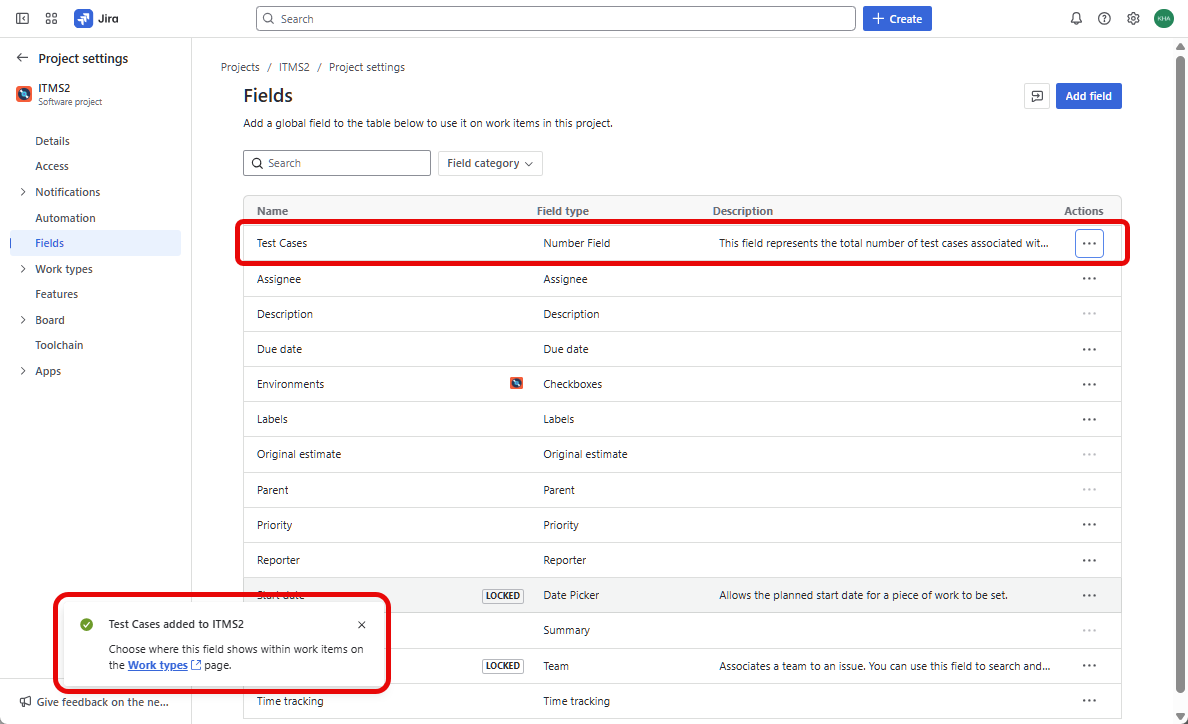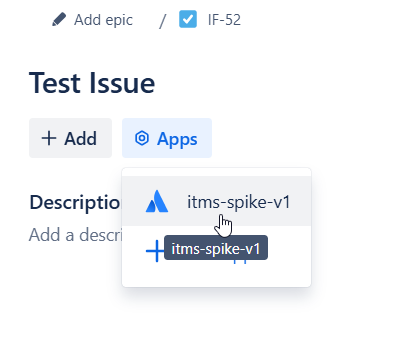
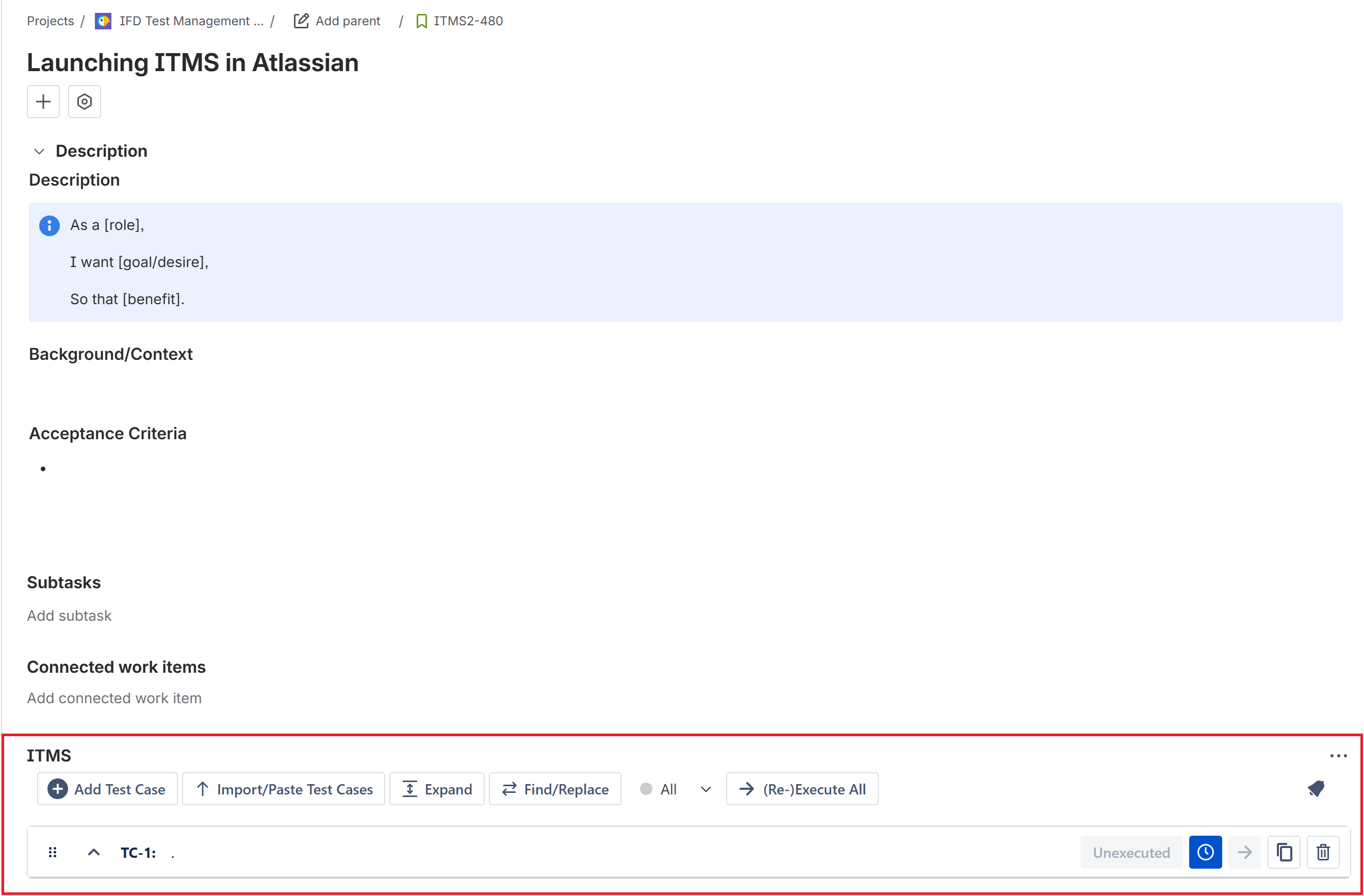
In ITMS we set up a field named Test Case so as to support with displaying the numbers of test cases in the sprint. You would need to follow these steps to add the Test Cases field into your project:
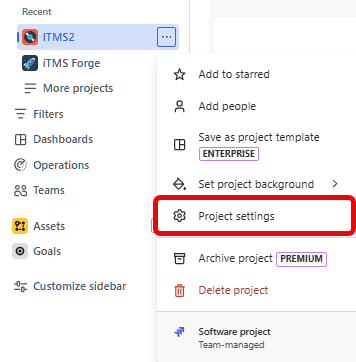
Go to Project settings
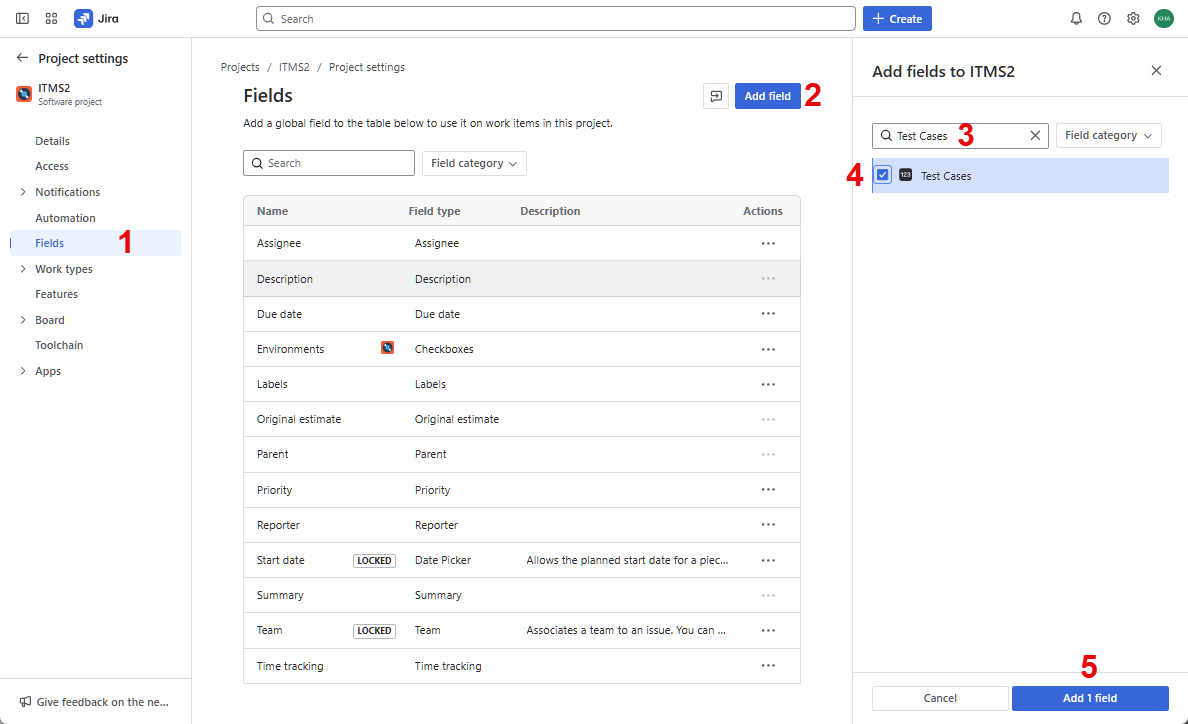
Follow steps as numbered in this image:
- Select the Fields tab
- Click Add Field
- Search for Test Cases
- Check the box to select the Test Cases field
- Click Add 1 Field
Test case field will be then added successully.