To create a new manual test case in ITMS:
- Navigate to the Test Cases section within the Jira issue.
- Click Add Test Case.
- Enter the test case name.
- Press Enter, click outside the input box, or click the check button to save the test case name.

To rename a test case:
- Click into Test case name input box again.
- Type the new name and press Enter, click outside the input box, or click the check button to save the test case name.
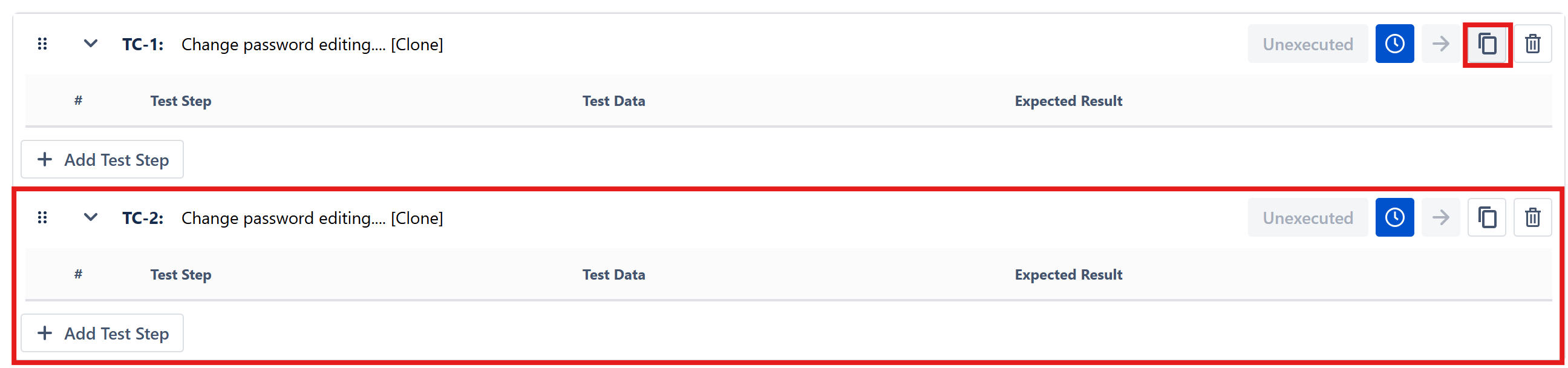
To clone a test case:
- Select the test case and choose Clone icon from the action menu
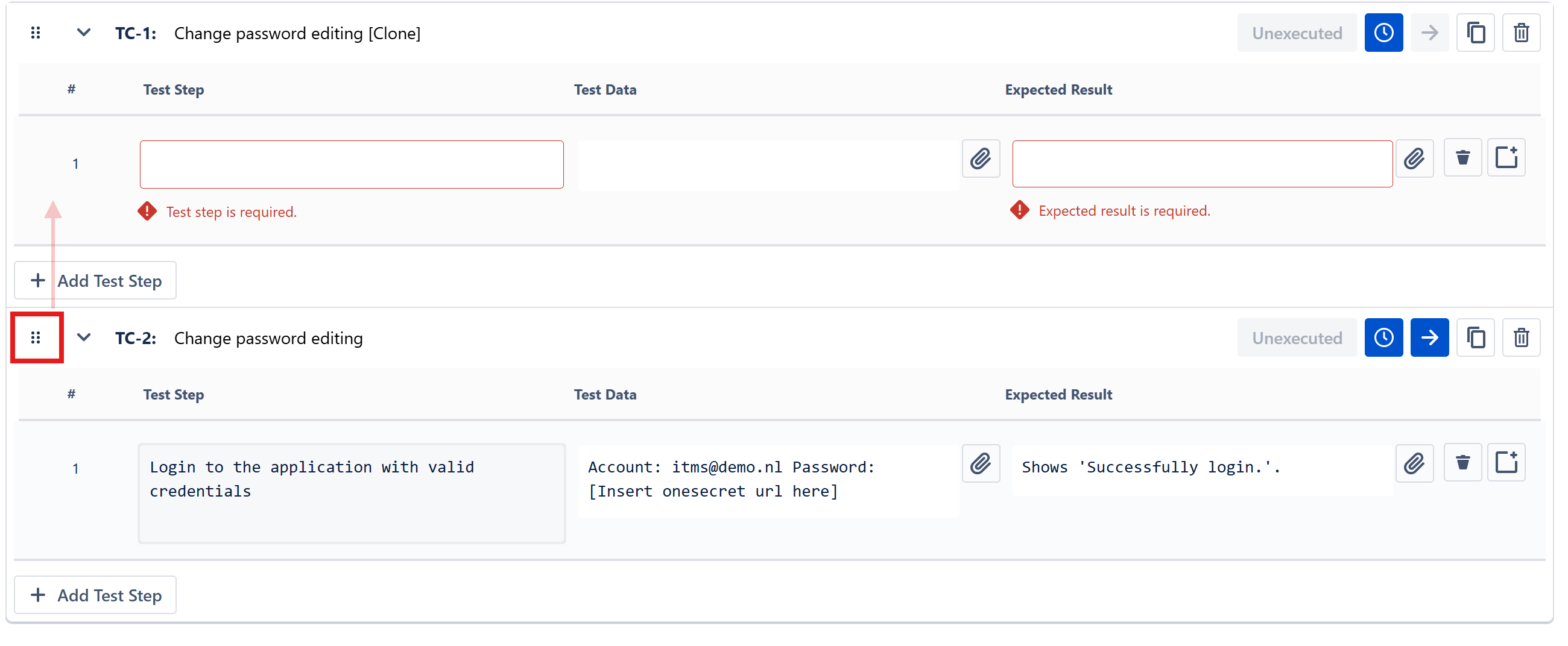
To reorder test cases
- Drag and drop the test cases into correct order
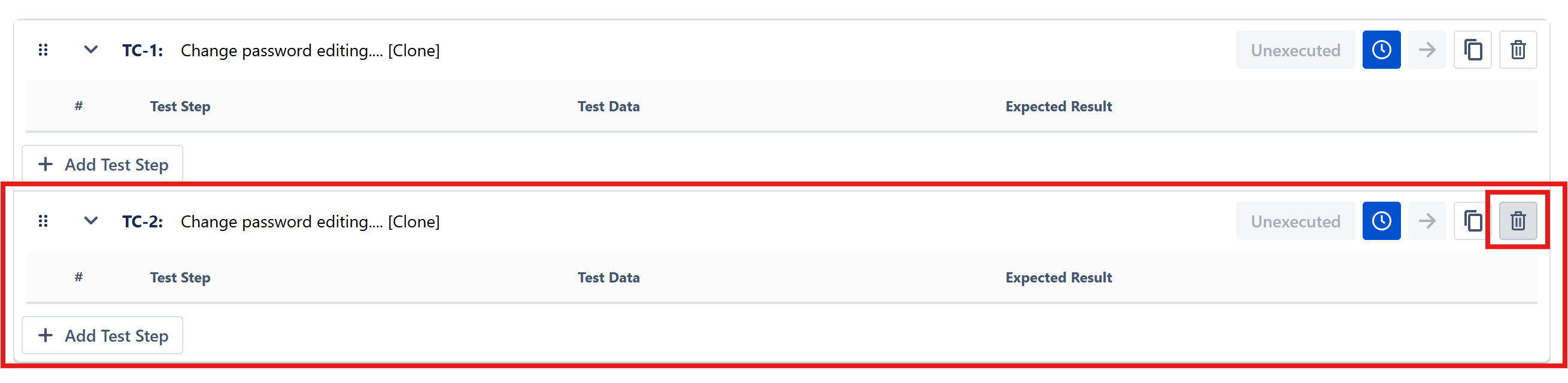
To delete a test case:
- Select the test case and click Delete icon from the action menu.