Each test case can contain multiple steps and test data. To add a test step:
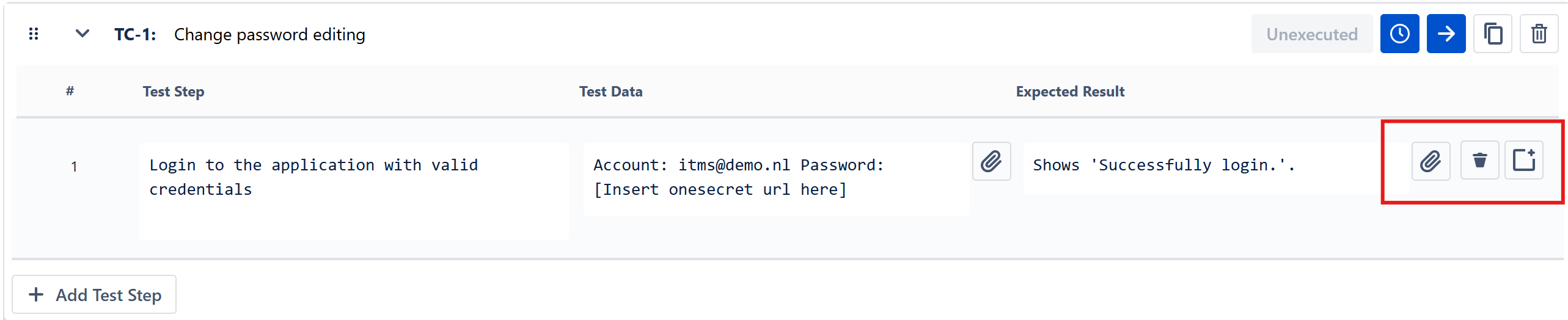
- Open the selected test case.
- Click Add Test Step.
- Type in values for required fields: Test step and Expected result.
- Press Enter, click outside the input box, or click the check button to save the values.



To reorder, rename, copy or delete test steps:
- Use the similar corresponding icons as of test cases, placed next to each test step
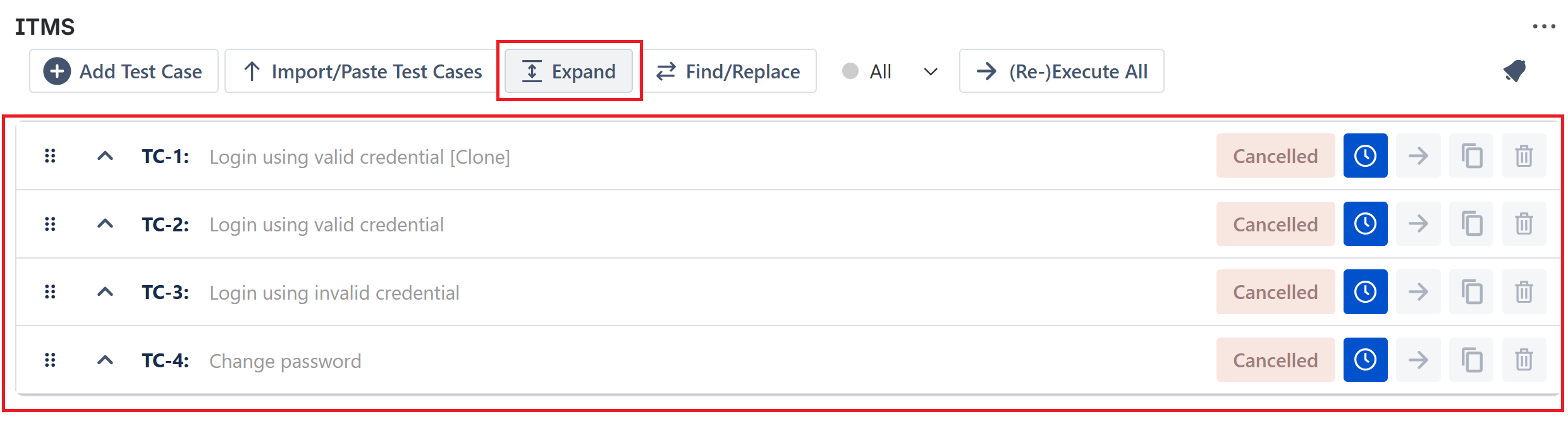
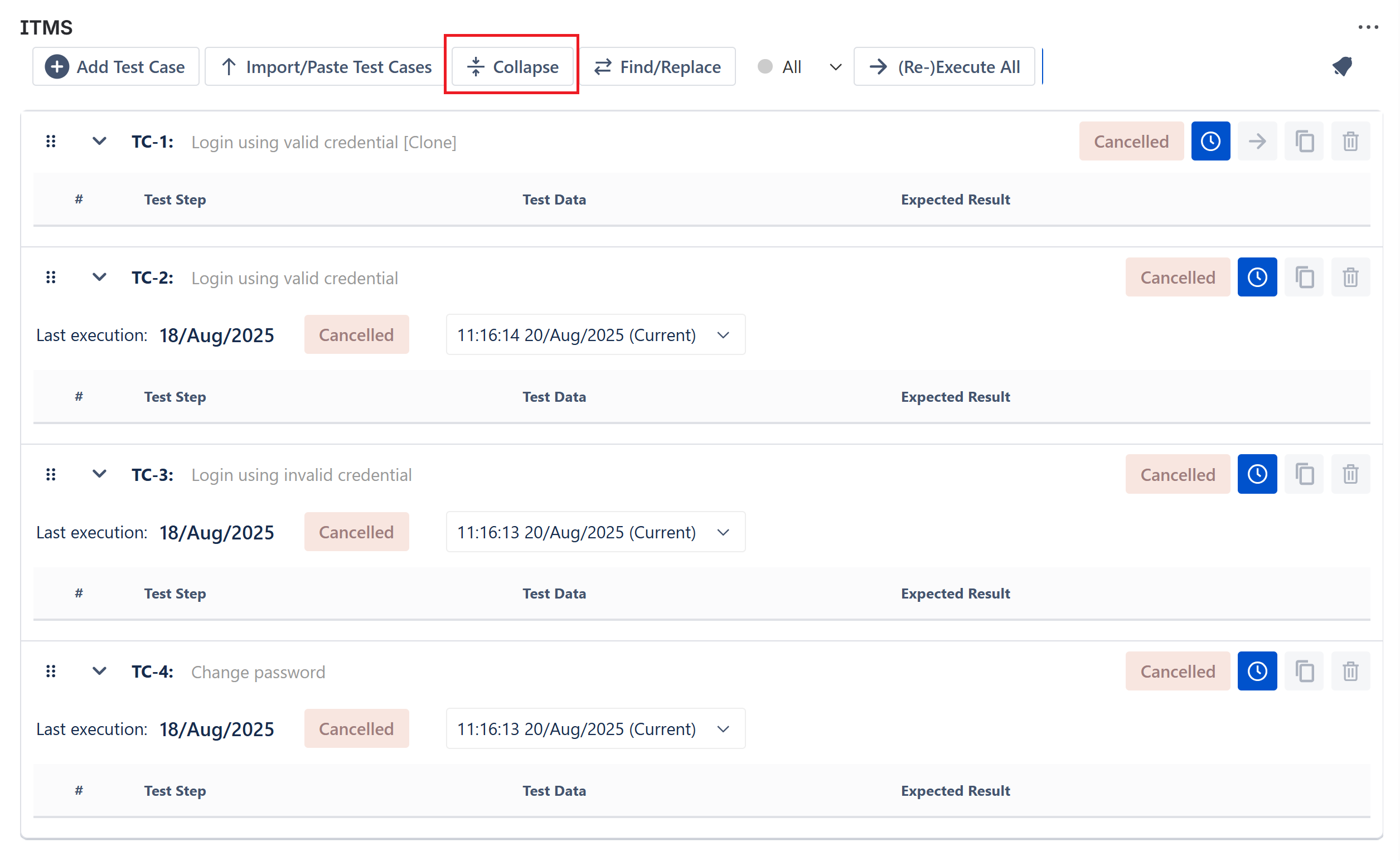
Note: It is possible to Collapse or Expand the list of Test Cases to shorten the test overview.